
Saturday, June 12, 2010
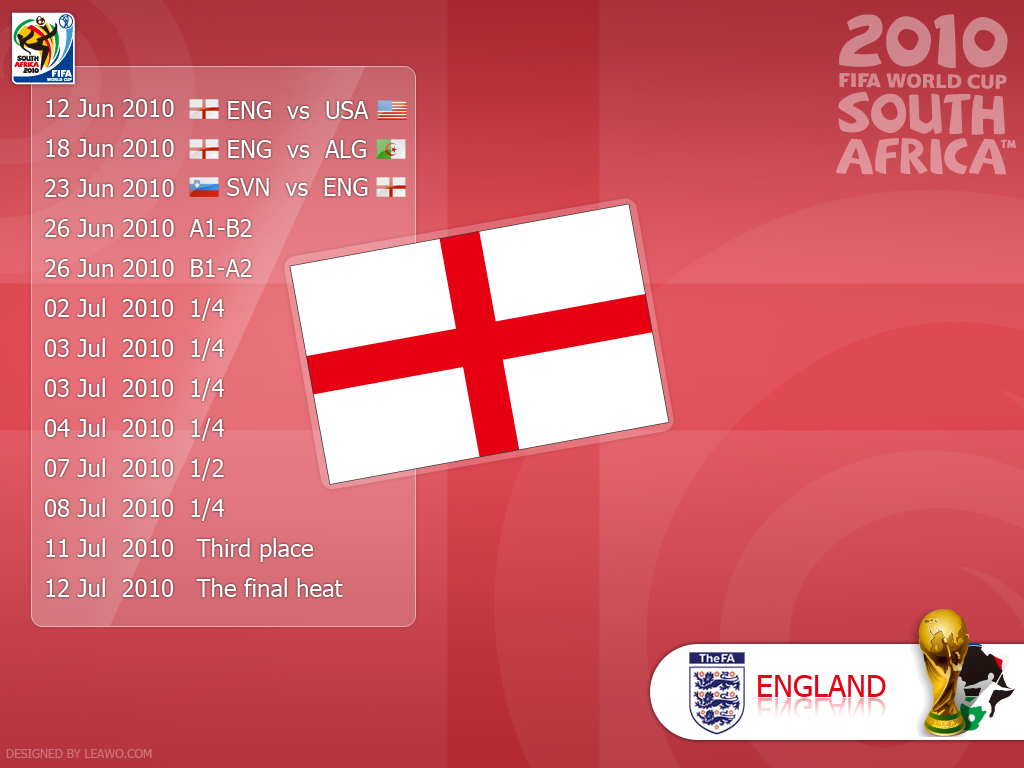
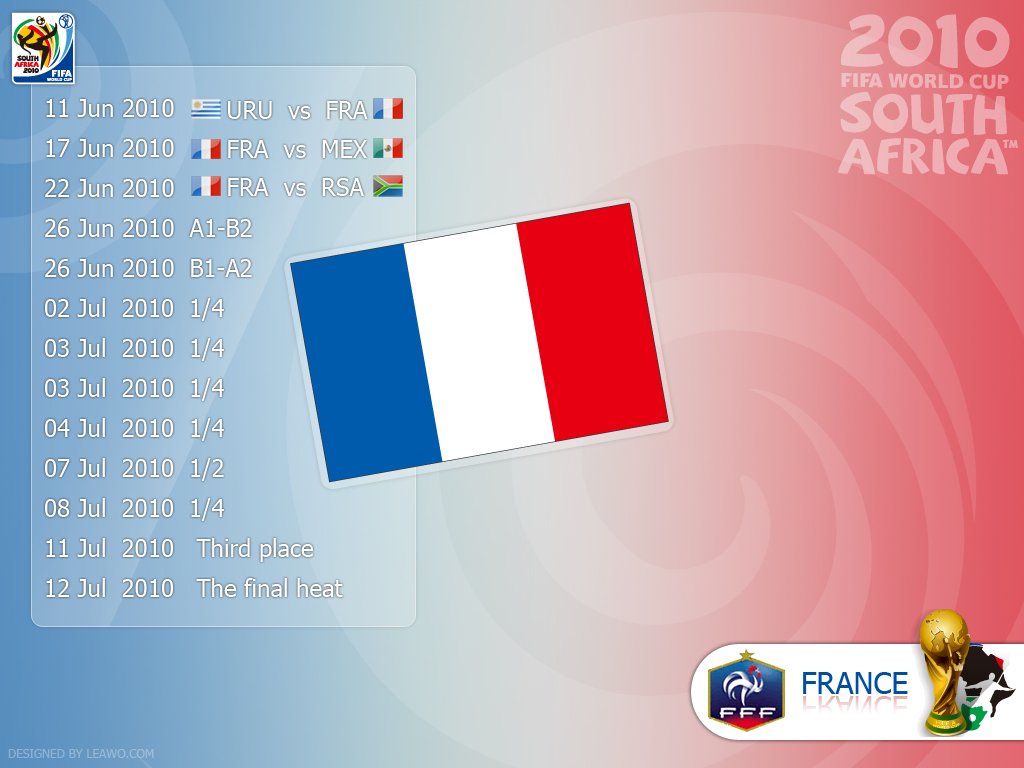
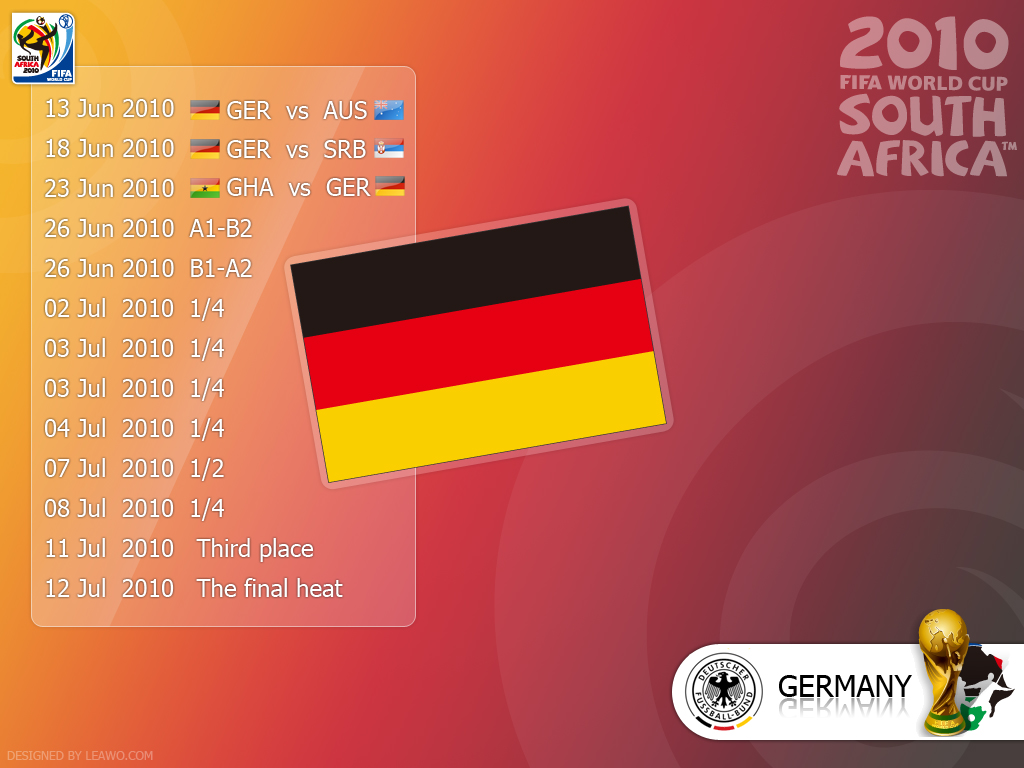
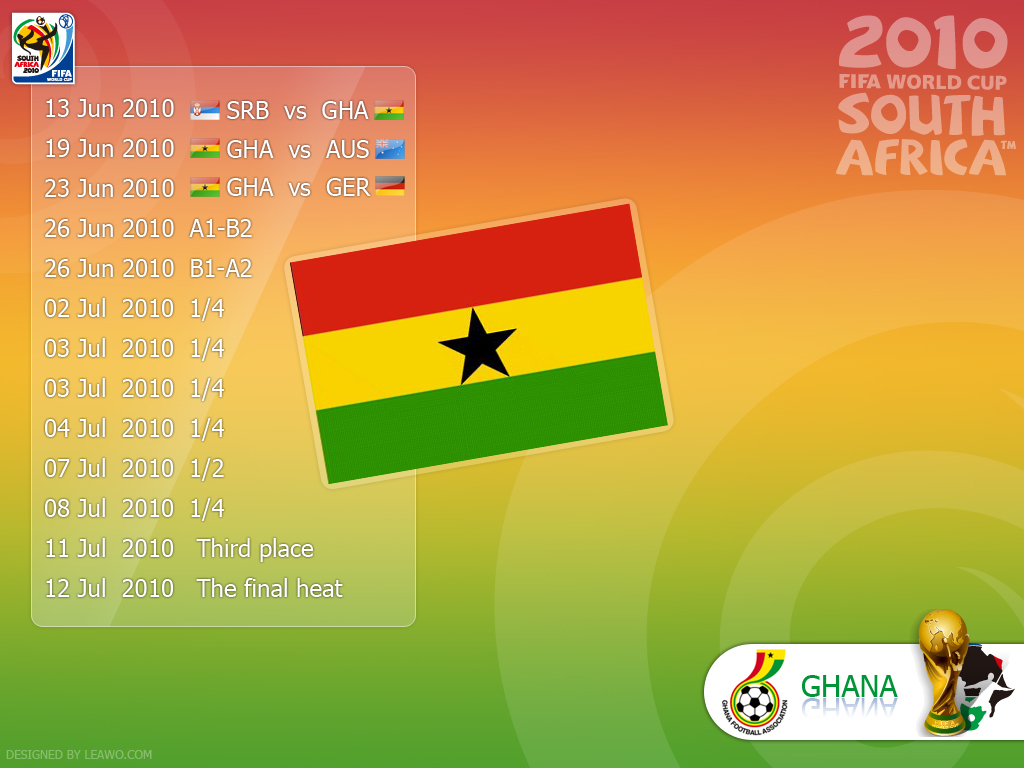
32 FIFA World Cup 2010 match schedule wallpapers!
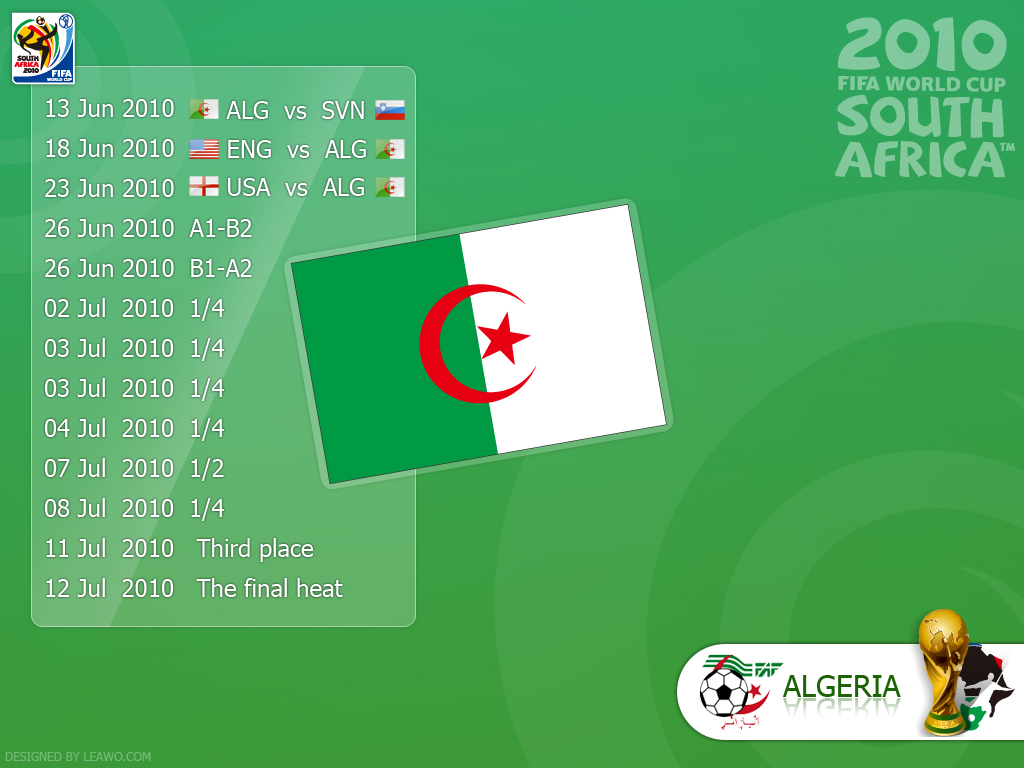
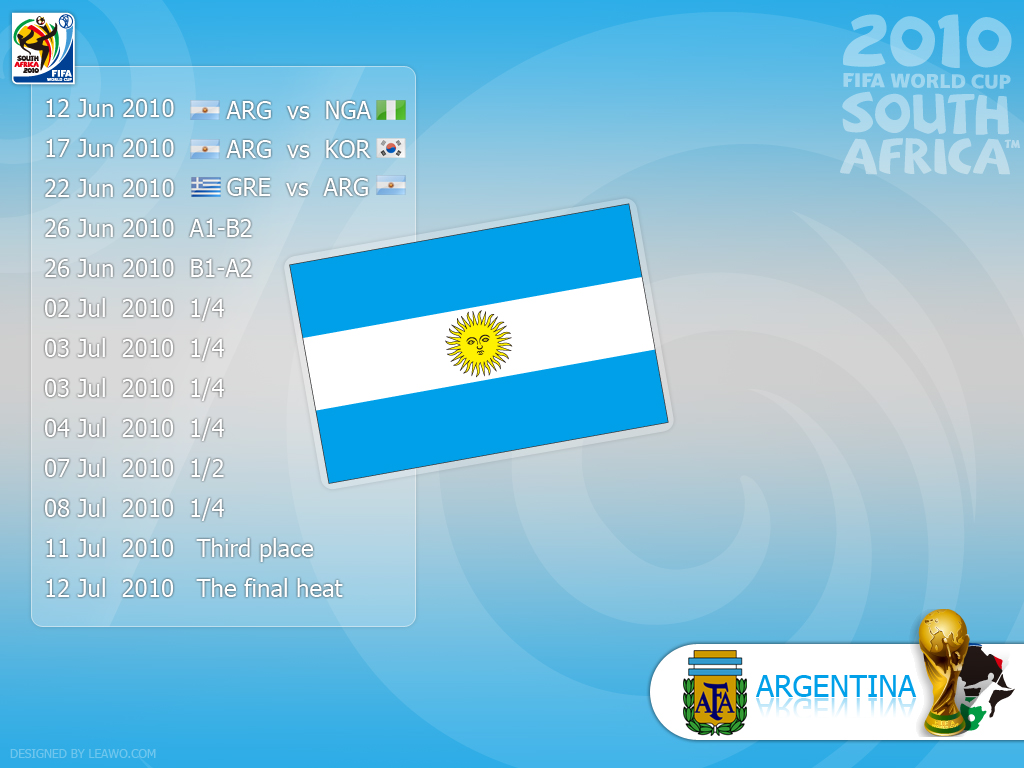
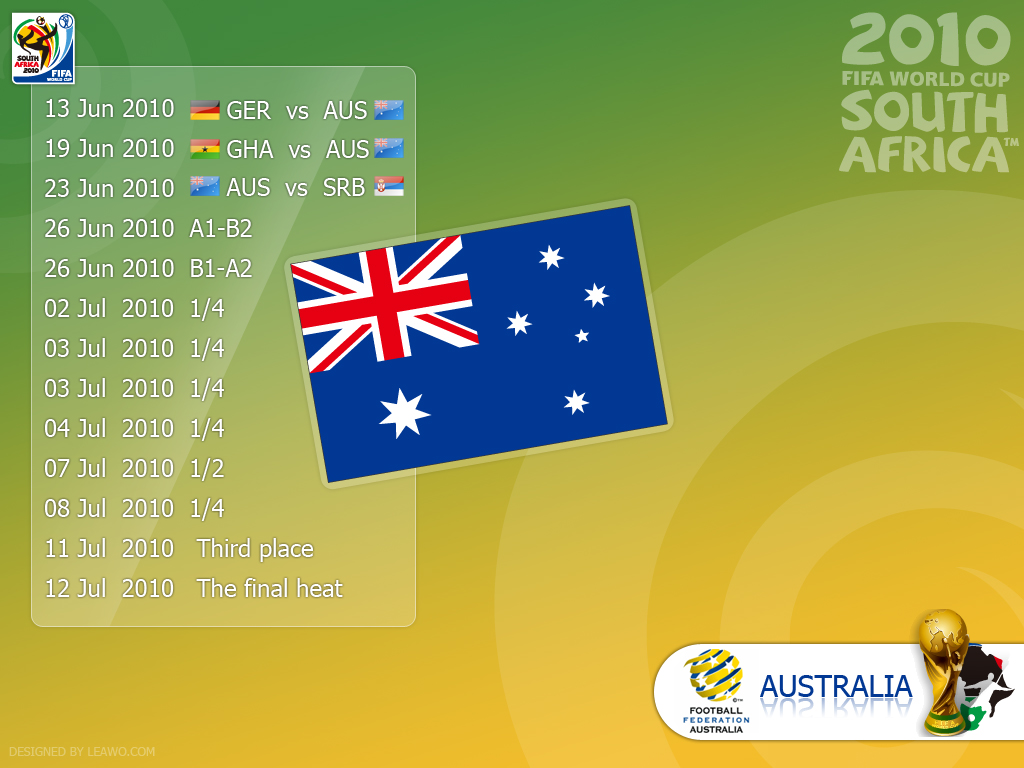
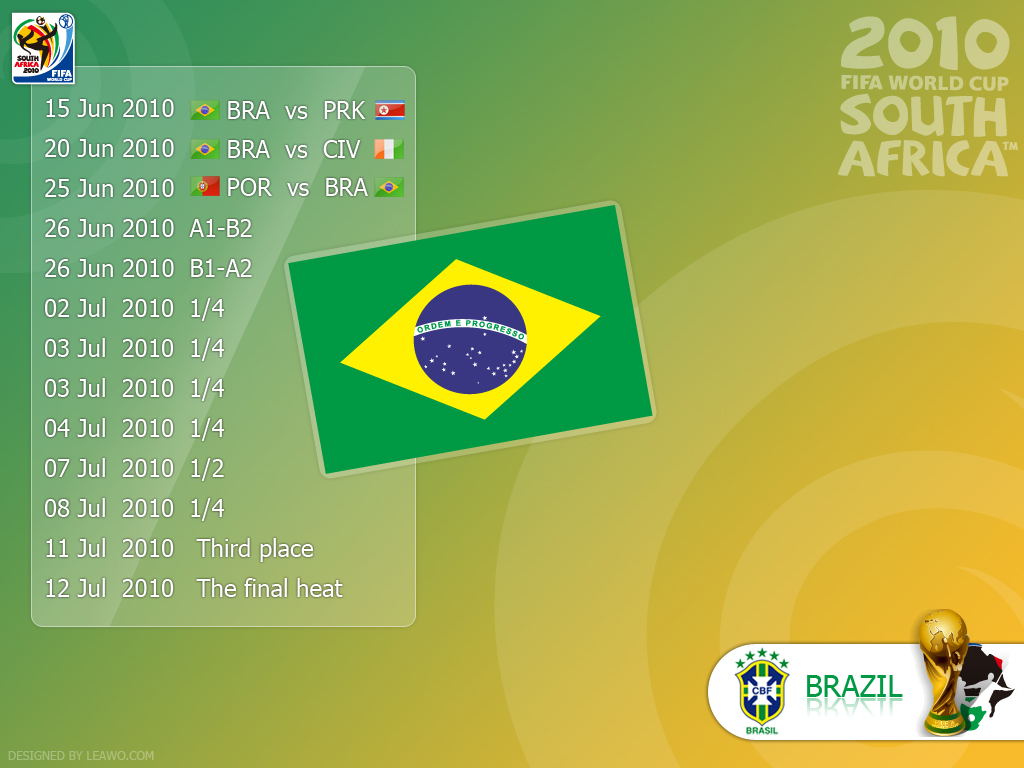
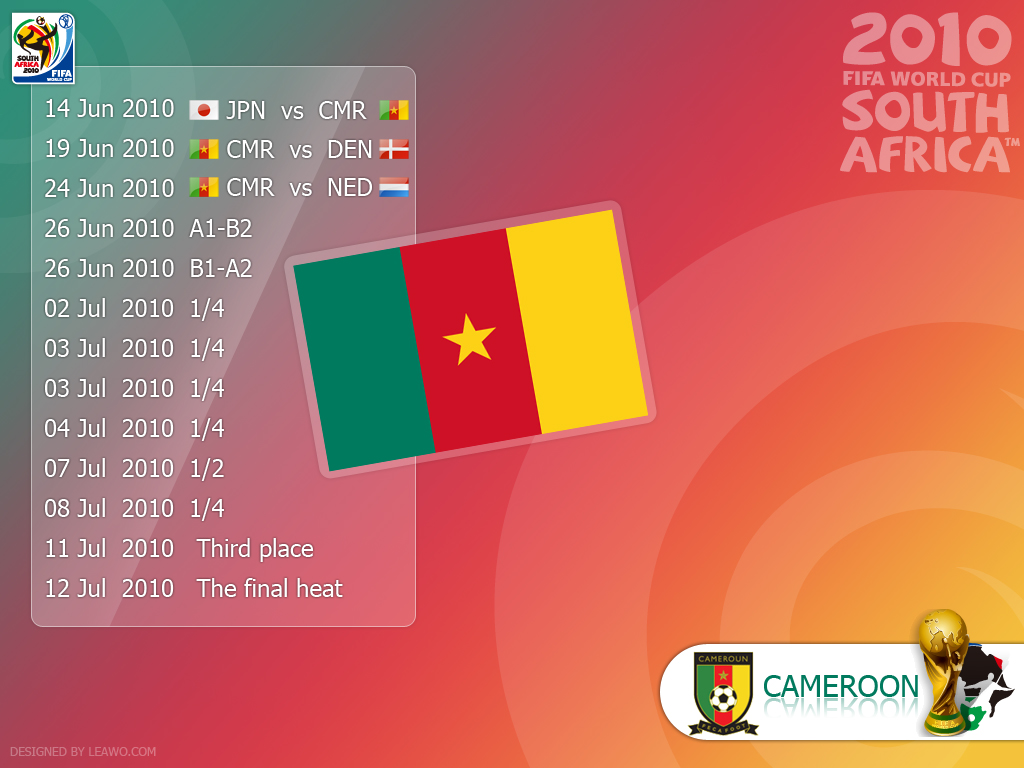
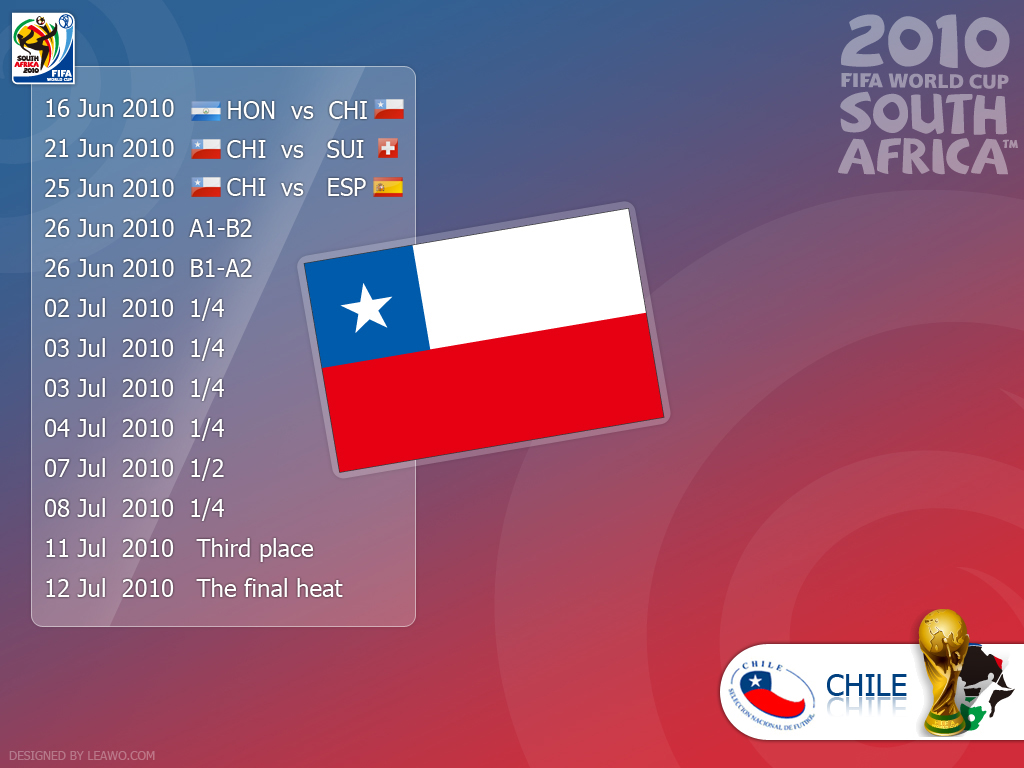
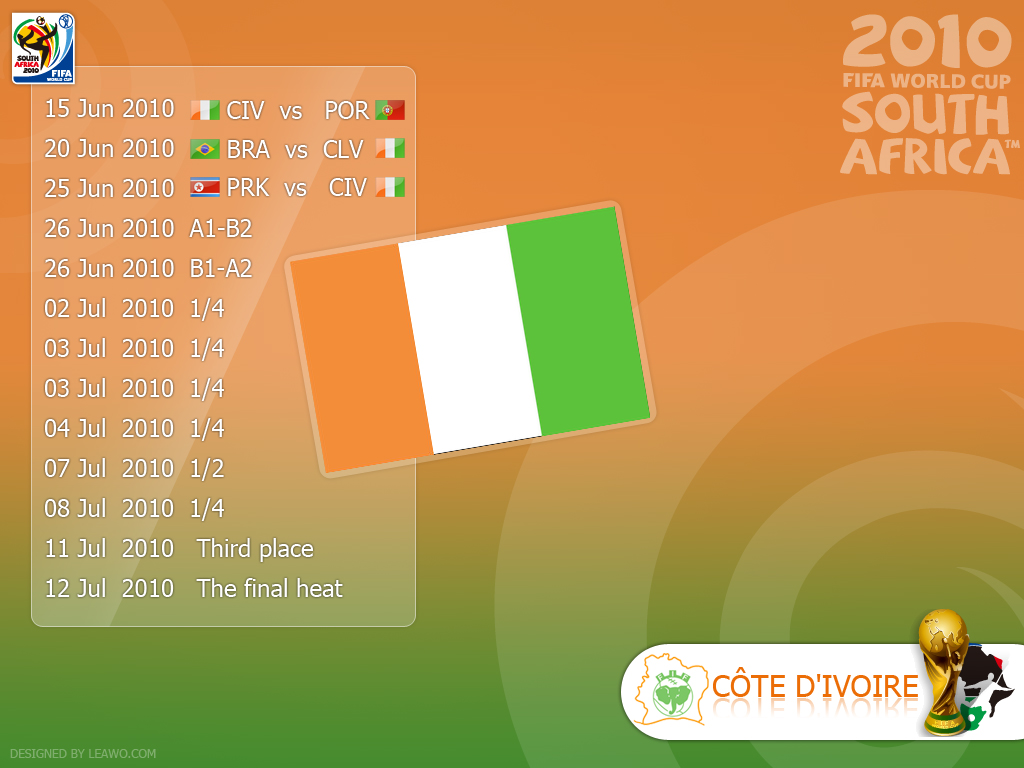
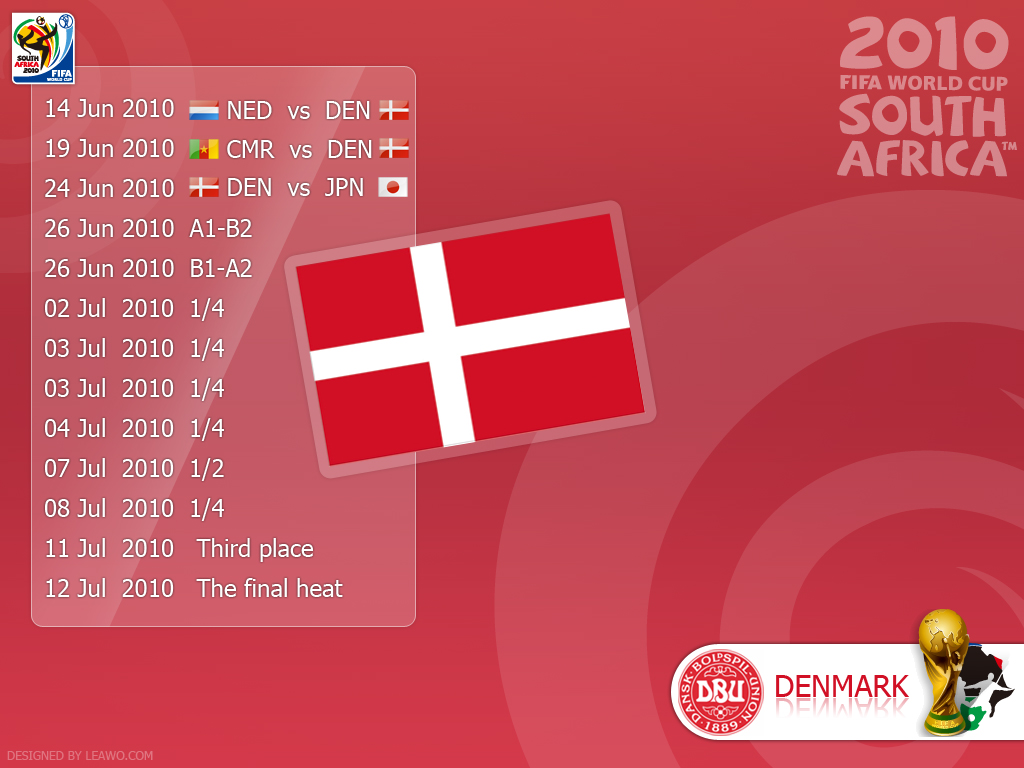
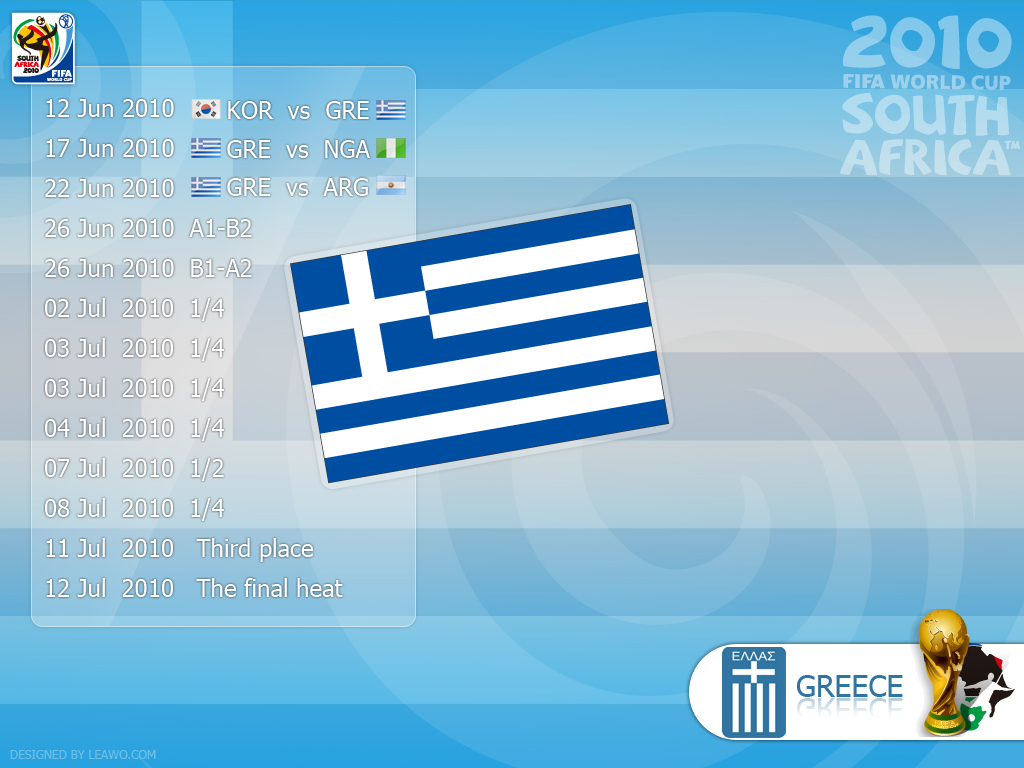
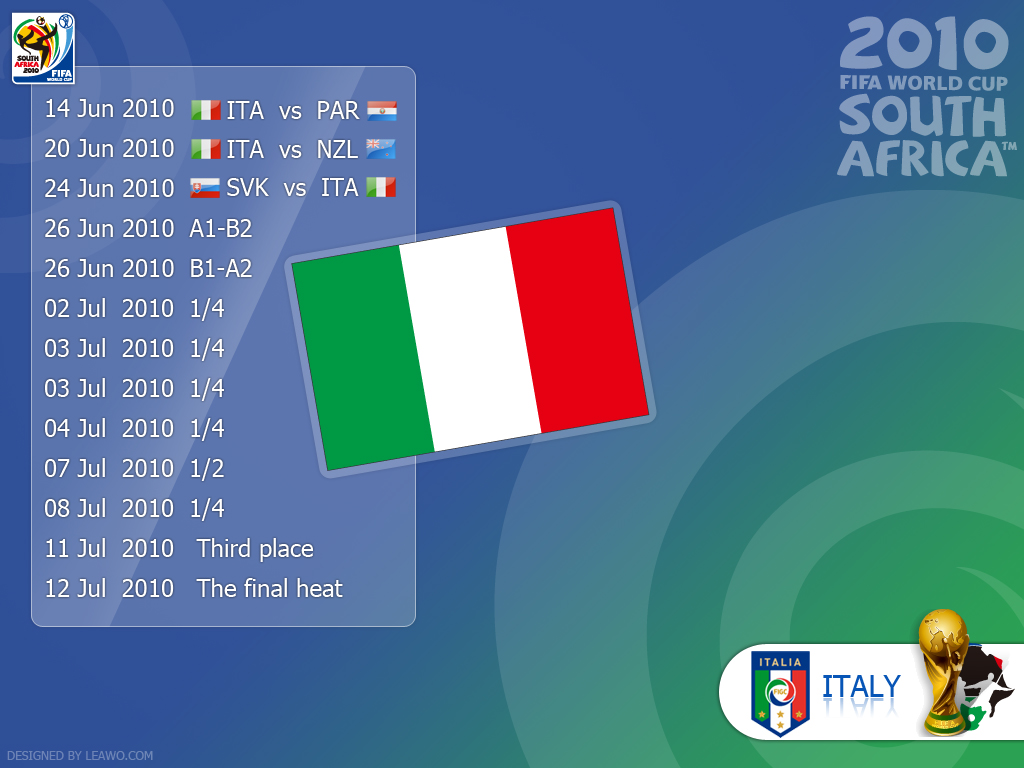
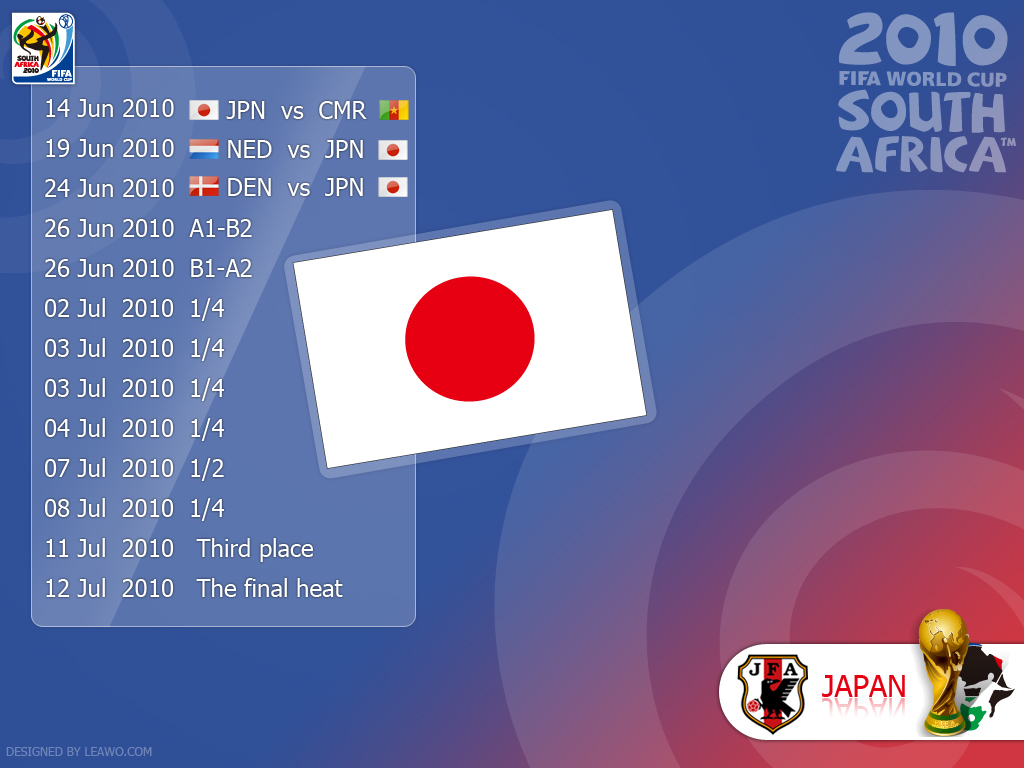
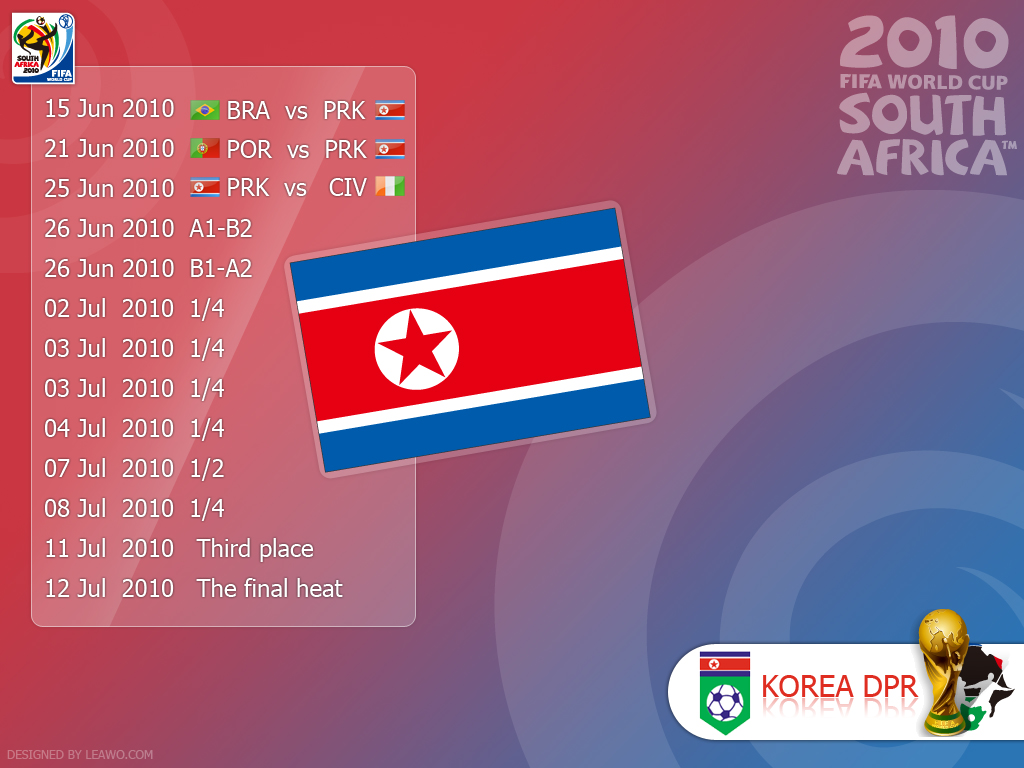
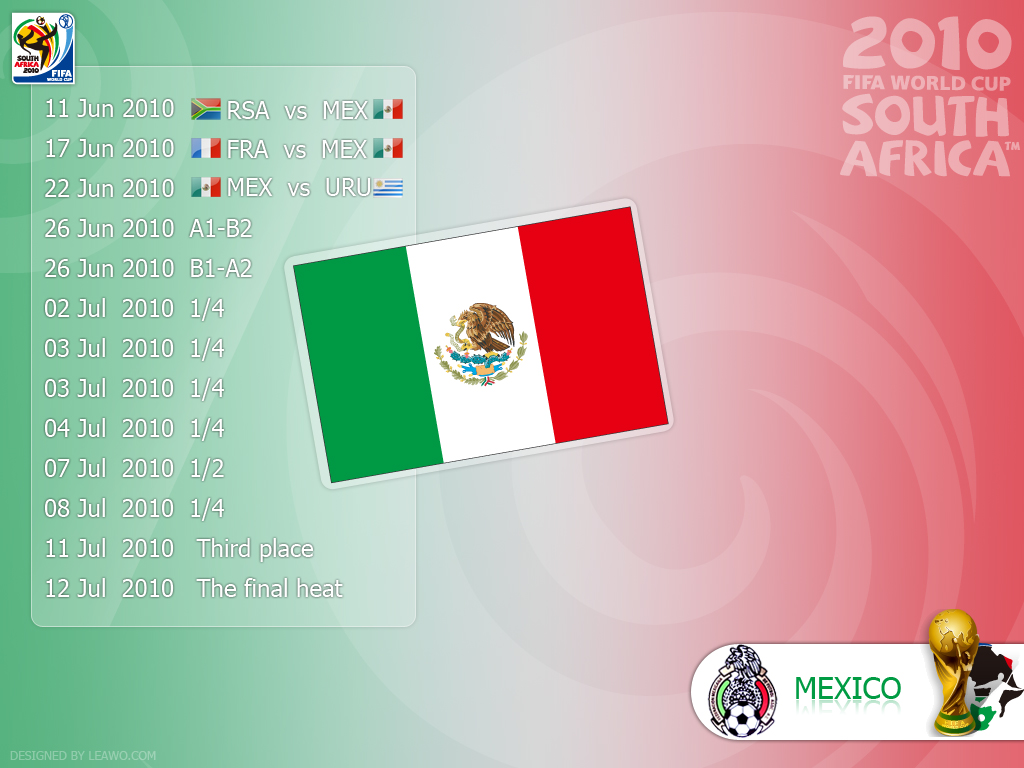
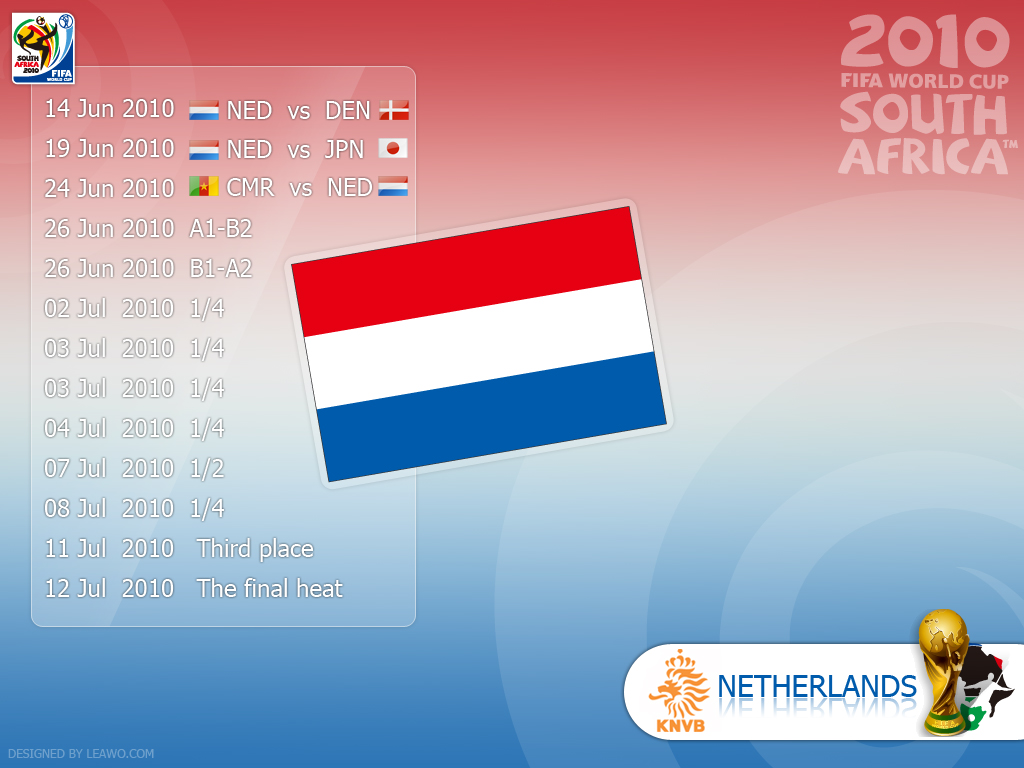
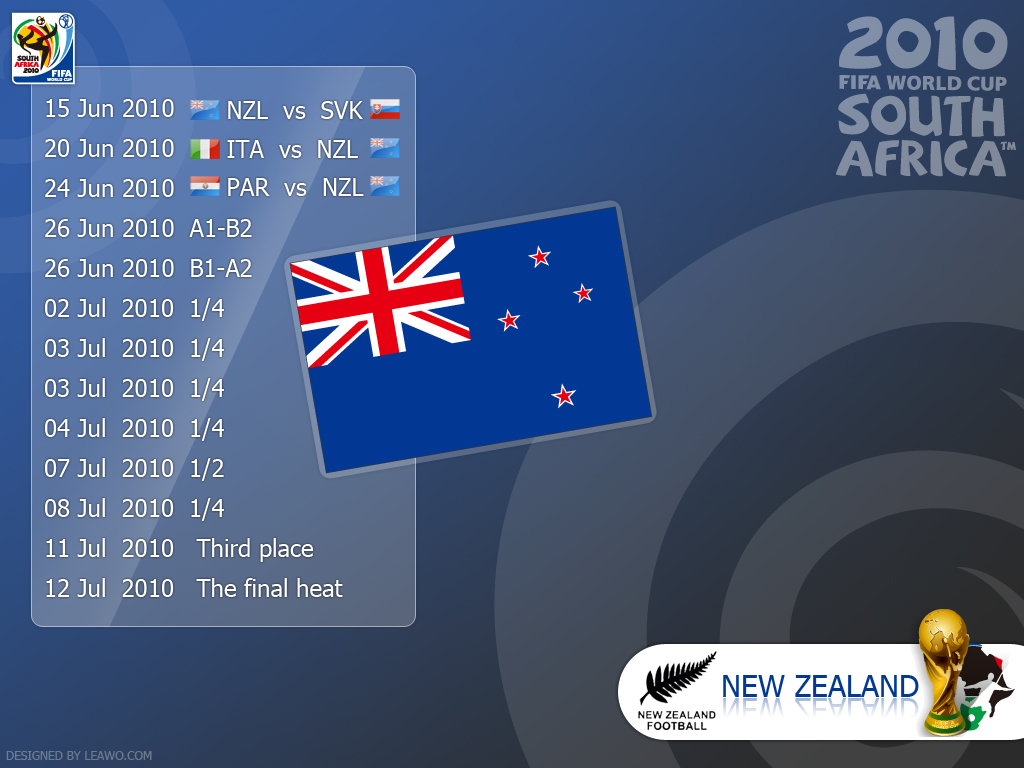
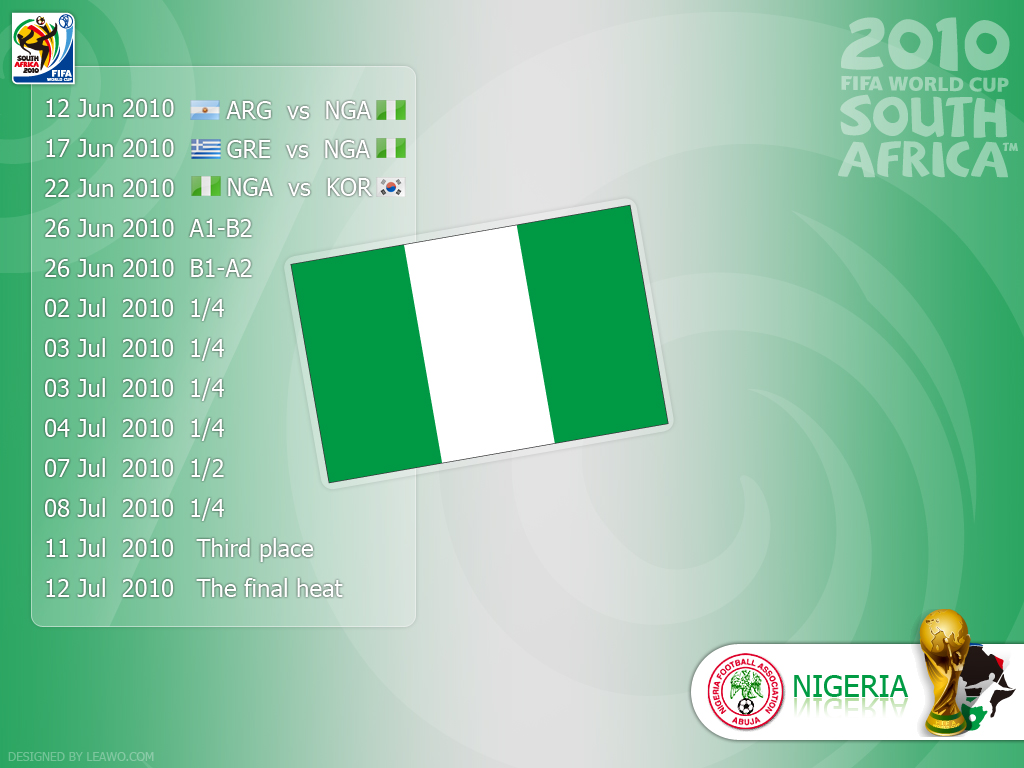
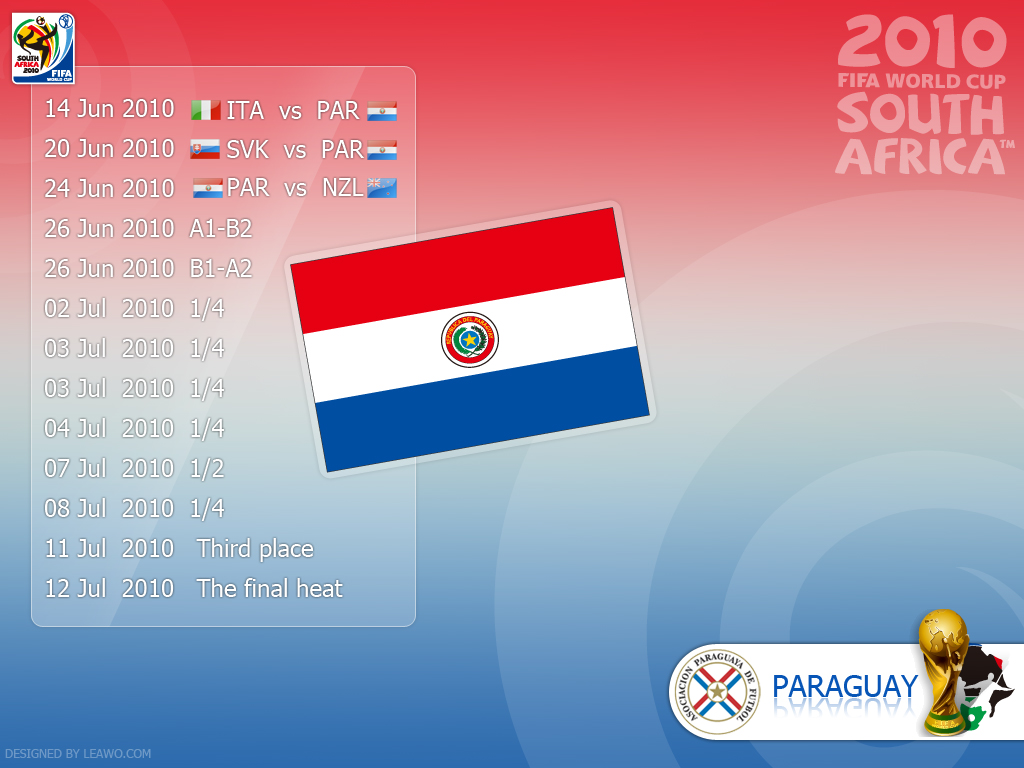
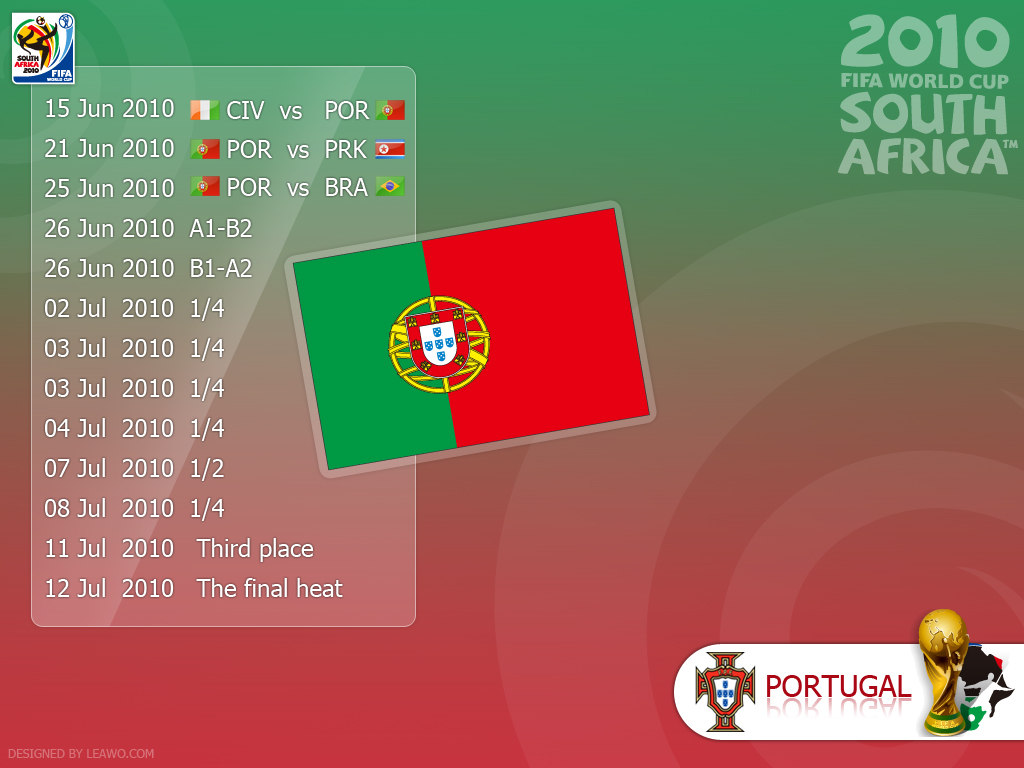
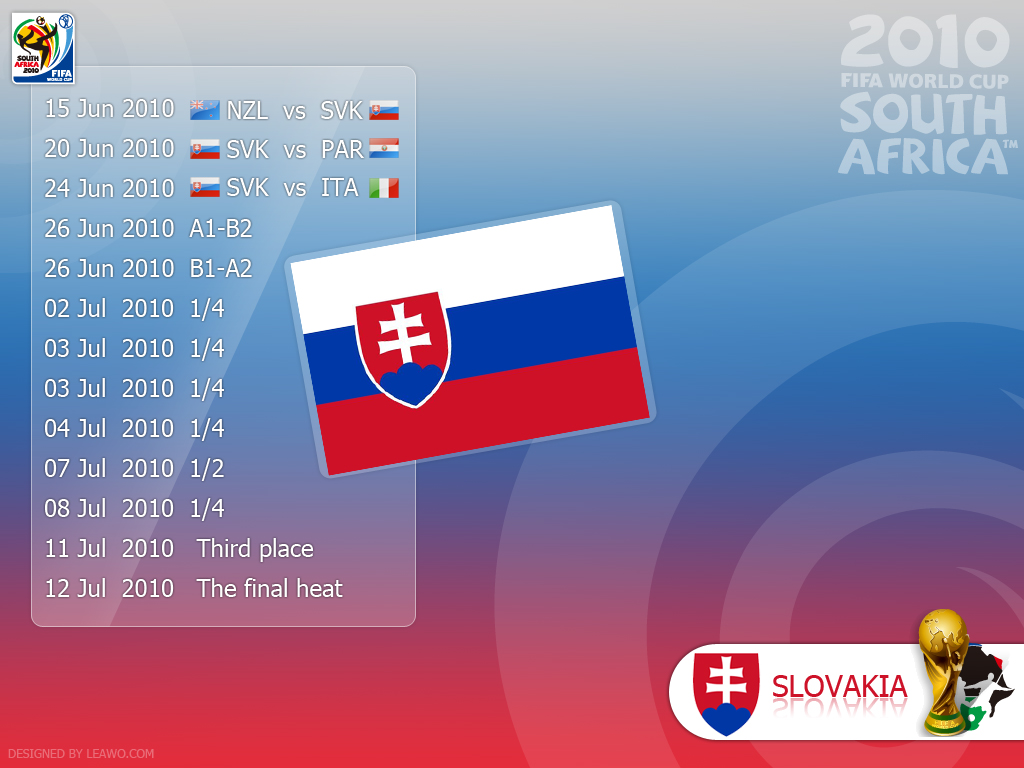
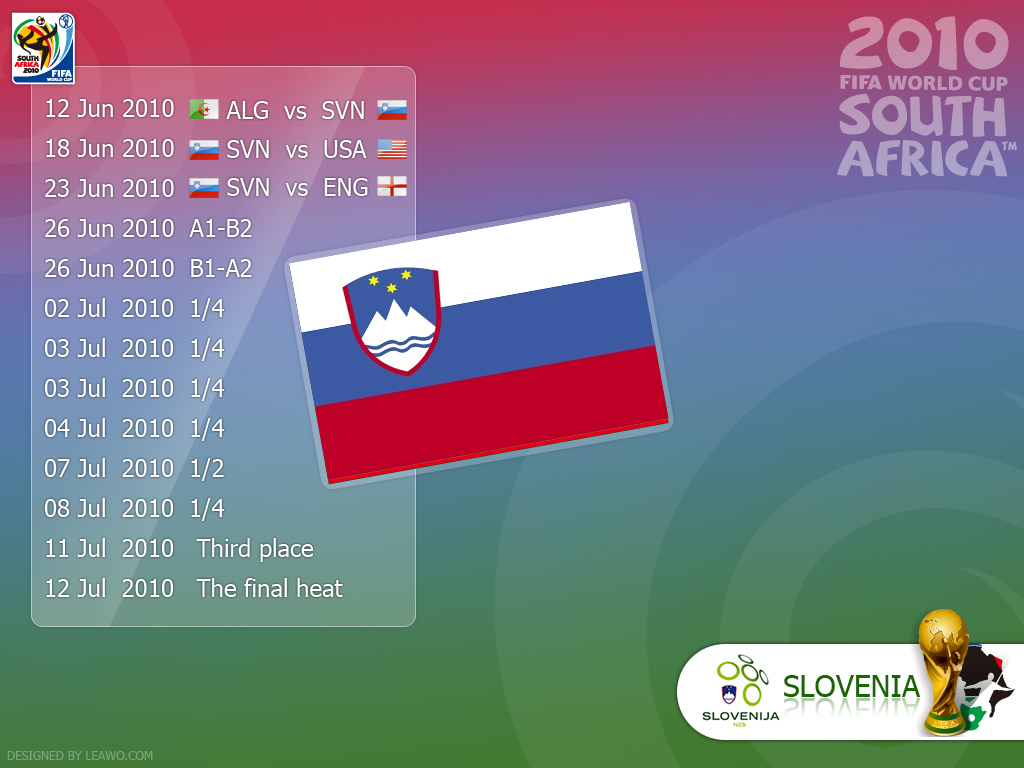
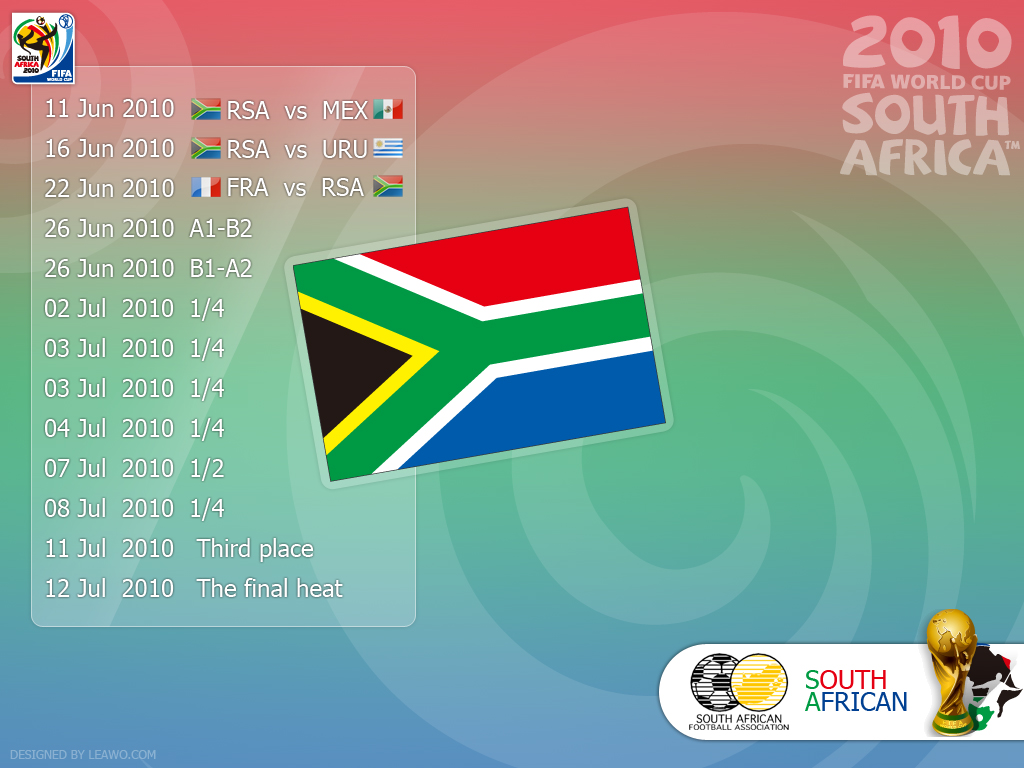
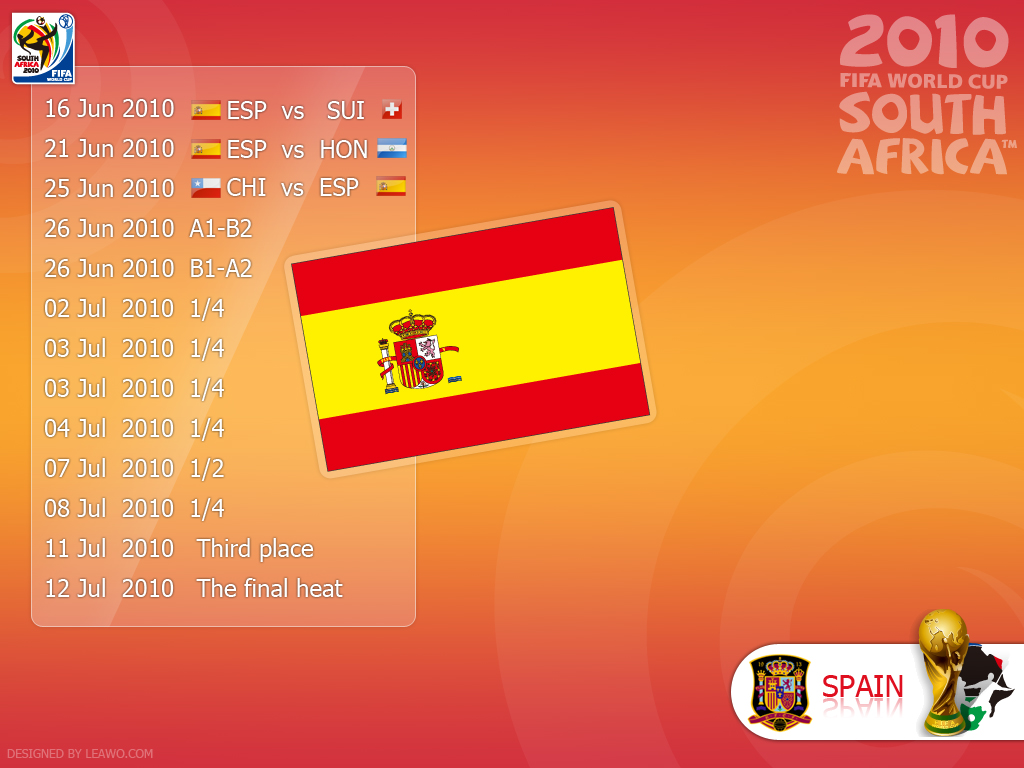
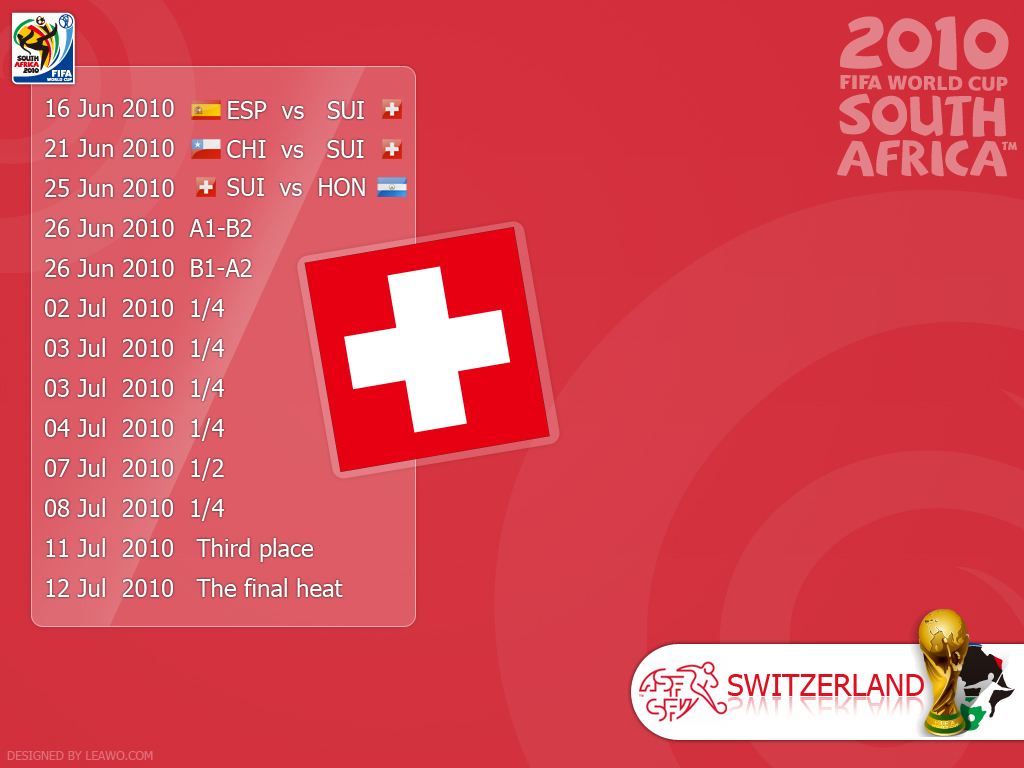
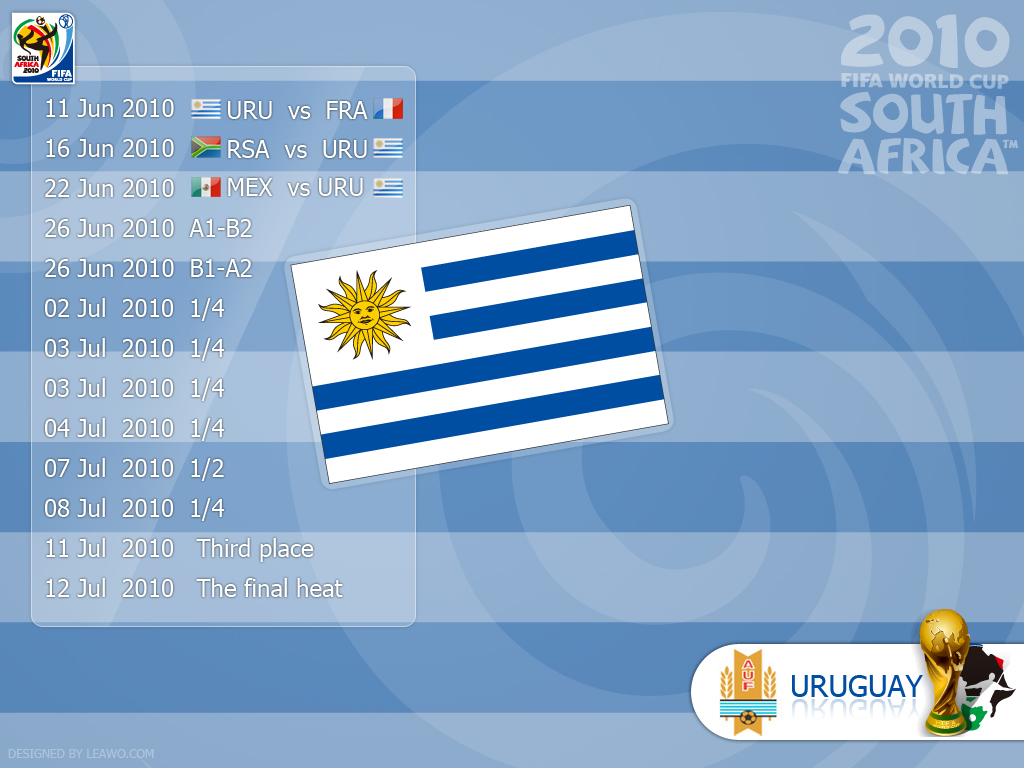
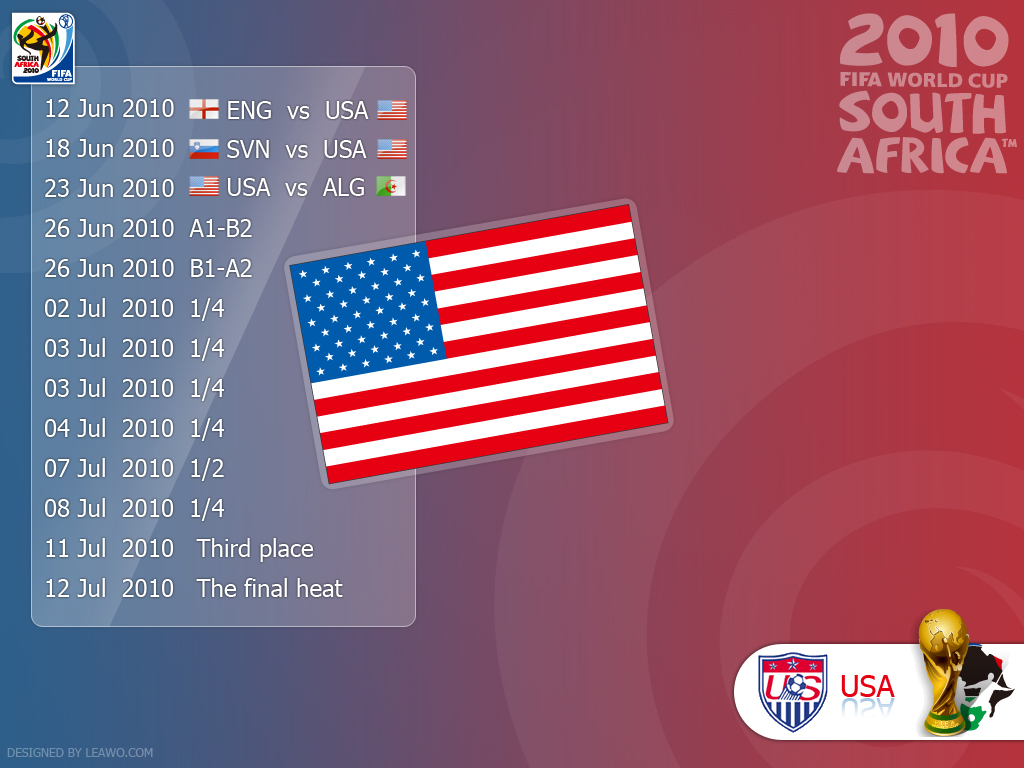
It will be very important to keep an eye on the match schedule of your favorite country fighting for the best place in FIFA World Cup 2010. Therefore we have especially designed a full set of 32 wallpapers for each football team with their national flag and match schedule on it. They would be the best reminder as the background of your PC desktop. You can download them in higher resolution by clicking the thumbnails below.
Algeria
Algeria




Wednesday, May 19, 2010
Insert and edit videos with Office PowerPoint 2010
 Microsoft Office PowerPoint 2010 has improved video embedding and editing functionality. The great news is that PowerPoint 2010 not only lets you insert videos into presentations, but also provides functions for video editing. You can easily embed videos using in-built functionality of newer PowerPoint 2010 program.
Insert a video:
Open the PowerPoint which you want to insert a video. Click on Insert tab and then click Video option. To insert video from web site like Youtube, click ‘Video from website’ option, then fill the code in. Use ‘Video from file’ option if your video files are stored on the computer.

Edit video in PowerPoint 2010:
As we have inserted video into PowerPoint slideshow. We can edit the video with PowerPoint 2010 now.
Trim: Right click on the video and choose "Trim Video". And then you can see all the feasible operation and trim the video as you need.
 Video Effect editing: Choose Format - > Corrections to change the brightness and contrast.
PS: Including AVI, WMV, MOV, H.264, MP3 and WMA videos can be inserted and edited in Powerpoint 2010.
Why can't I import videos to iMovie HD on MAC OS?
How to play flash videos on iPad/iPod/iPhone?
10+ best apps/tools for iPad to increase productivity
Monday, May 17, 2010
I LOVE YOU by Ray William Johnson
Ok, I don't know how much of you guys like Youtube. But it is really a big big big resource centre of funny. Here you can find many funny videos like this, and many funny people like Ray William Johnson. LoL. You may say this is suck, what he said is suck. So who cares? Just take easy and have a big laugh. Then? Find another one!
Subscribe to:
Posts (Atom)